-300x225.jpg)


GenMachine Promise

Free Shipping
Orders will be shipped from our local warehouse

Fast Order Fulfillment
1-3 days for samples, 7-20 days for bulk order

Quality Assurance
Provide one-year quality assurance service
Unleash Your Potential
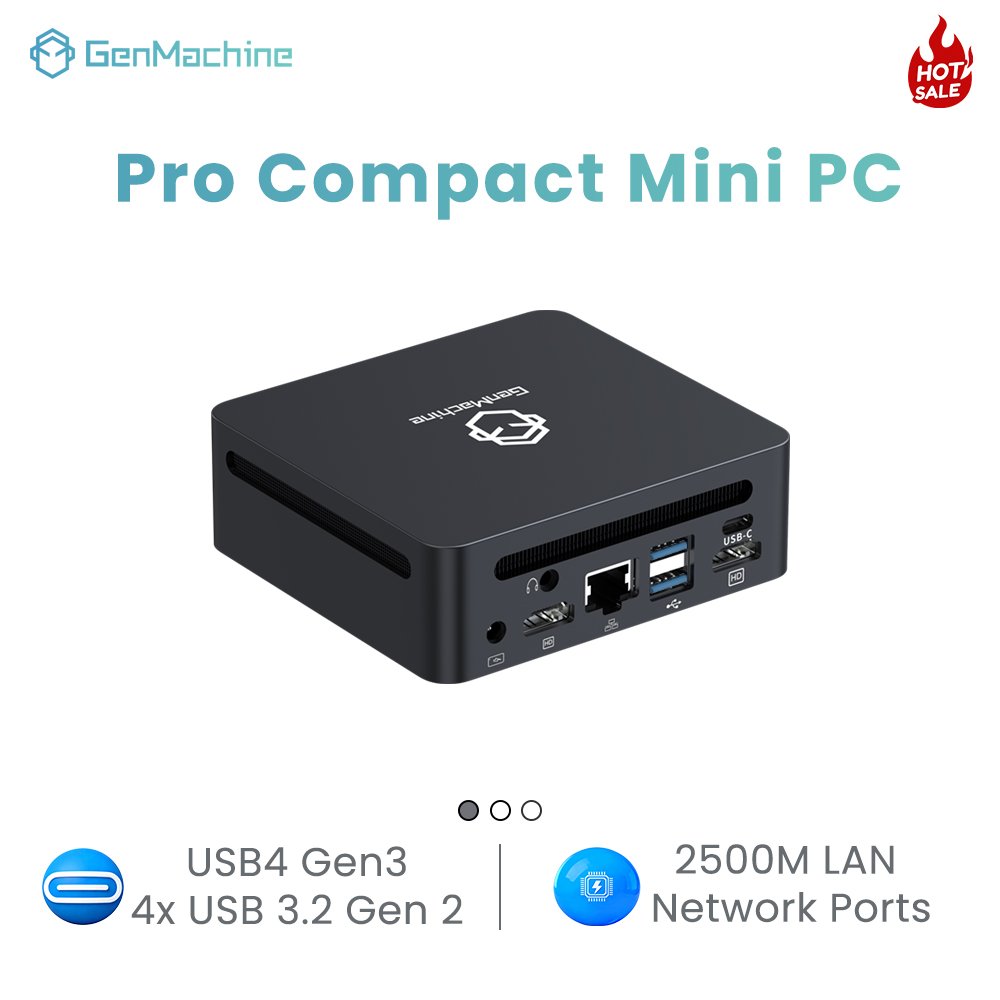
The main distinguishing feature of the Zhi series of mini pc is its unconventionality. With a very small size, adapted to more use of the environment.

Highly Expandable
4 x 2.5G network ports
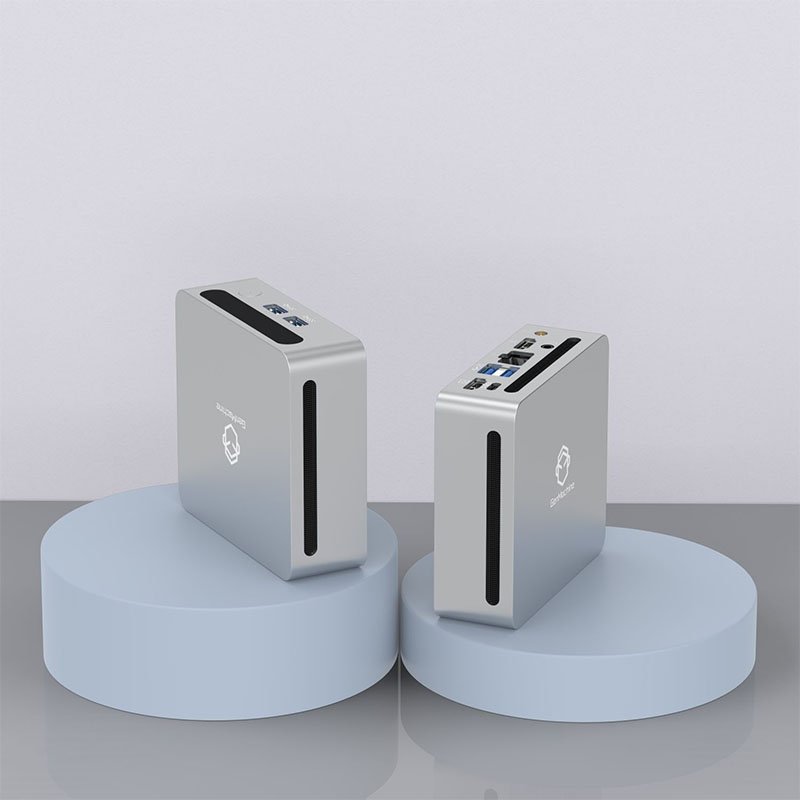
Ultra-small Size
smaller than the palm of your hand
High-performance AMD CPU
strongest performance in the same size.
Product Series Display
Values: Benevolence, Righteousness, Courtesy, Wisdom and Faith.

Ren Series is fashionable, beautiful, compact and convenient.

Ultra-high configuration, excellent performance release Yi Series.

Colorful, beautiful price, Li Series.

Various application scenarios, intelligent magic formula. Super Mini.

Anytime, anywhere, all-around productivity. Pocketbook.
Powerful Mini PC
Yi Series Mini PC is GenMachine's performance Mini PC, equipped with a powerful R7 processor and featuring mainstream high performance in terms of RAM and hard disk. The Yi Series Mini PC is also designed to be a very expandable Mini PC for practical use.


What would you prefer your
mini pc to be like?
As a popular mini pc brand, GenMachine has done a lot of research and targeted R&D for different user needs.
You can choose the mini pc you really need.
- Cost-effective mini pc
- Powerful mini pc
- Balanced mini pc

● 6 cores and 12 threads
Up to 4GHz
● AMD Radeon™ Graphics
Graphics at 1500 MHz
● Up to 64GB
Dual-channel DDR4-3200 memory

● 6 cores and 6 threads
Up to 4GHz
● AMD Radeon™ Graphics
Graphics at 1500 MHz
● Up to 64GB
Dual-channel DDR4-3200 memory

● 4 cores and 8 threads
Up to 4Ghz
● Radeon™ RX Vega 10 Graphics at 1400 MHz
★ Colorful RGB Lighting
● Up to 64GB
Dual-channel DDR4-2400

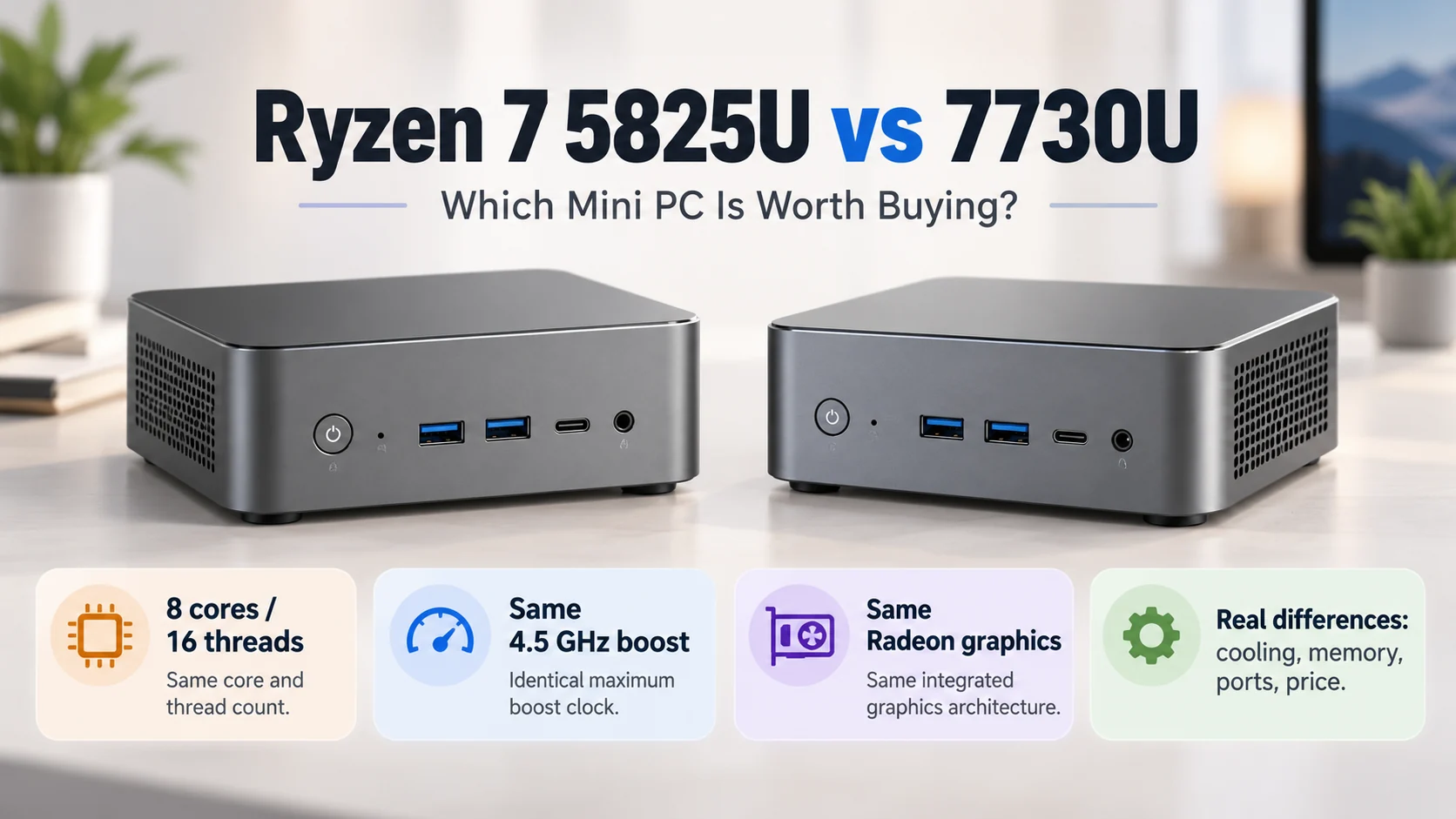
● 8 cores and 16 threads
4.4GHz max
● AMD Radeon™ Graphics
Graphics 2000 MHz
● Up to 64GB
Dual-channel DDR4-3200 memory

● 8 cores and 16 threads
4.5GHz max
● AMD Radeon™ Graphics
Graphics 2000 MHz
● Up to 64GB
Dual-channel DDR4-3200 memory

● 8 cores and 16 threads
4.2GHz max
● AMD Radeon™ Graphics
Graphics at 1600 MHz
● Up to 64GB
Dual-channel DDR4-3200 memory

● 6 cores and 12 threads
Up to 4GHz
● AMD Radeon™ Graphics
Graphics at 1800 MHz
● Up to 64GB
Dual-channel DDR4-3200 memory
What do you use your minipc for?
GenMachine's mini pcs are highly expandable and applicable, so no matter what kind of usage scenario you are in, you can find a suitable mini pc.

Office Mini PC
01


Programming
Mini PC
02


Learning Mini PC
03


Design Mini PC
04

Can You Use a Mini PC on a TV?
The short answer is yes — absolutely. A mini PC connects to a TV just like any other display, and honestly, it’s one of those setups that feels obvious once you try it. The real question isn’t whether it’s possible, but whether it makes sense for a particular situation. And for a lot of people, it really does. Connect a Mini PC to a TV in the First Place There’s something appealing about having a full computer experience on a big screen. Smart TVs are fine for basic streaming, sure, but they come with limitations. App stores are restricted. Browsers feel clunky. Updates stop coming after a few years. A mini PC sidesteps all of that.With a mini PC hooked up to a TV, suddenly there’s access to:• Any streaming service (not just what the TV manufacturer supports)• A real web browser with extensions• Productivity apps like word processors or
What are the 4 types of portable computers?
Walk into any train station or university library these days, and portable computers are everywhere. Some people tap away on slim laptops. Others scroll through tablets propped against coffee cups. The variety is honestly a bit dizzying if you stop to notice it. But what exactly counts as a portable computer? And why do some sources say there are four main types while others list more? From traditional laptops to compact Mini PC units that fit in your palm, the category has expanded dramatically. Understanding the four main types helps when shopping for something new or simply trying to make sense of current options.This guide attempts to clear things up—covering the four primary categories of portable computers that most people encounter, along with their quirks and practical differences. Understanding Portable Computers in General Portable computers, at their core, are computing devices designed to travel with users. That sounds obvious, maybe.
Essential Questions Before Buying a Small Desktop Computer
Shopping for a small desktop computer sounds straightforward enough. Compact size, decent power, fits on any desk. But once the research begins, things get complicated fast. There are mini PCs, slim towers, NUC-style boxes, and everything in between. Some look great but run hot. Others seem affordable until the specs disappoint. The trick isn’t finding the “best” model — it’s asking the right questions first. That way, the final choice actually fits real needs (not just marketing promises). What Will This Computer Actually Do? This question seems obvious. Yet many buyers skip it or give vague answers like “general use.” The problem? General use means different things to different people. A small desktop computer for web browsing and documents is vastly different from one meant for video editing or gaming. Here’s a rough breakdown: Basic tasks: Email, browsing, streaming, office apps Media consumption: 4K video playback, home theater setup Creative work: Photo editing,
Are There Compact Gaming PCs?
The short answer? Absolutely. Compact gaming PCs have become increasingly popular over the past few years, and honestly, the options available now are pretty impressive. Gone are the days when serious gaming required a massive tower sitting under your desk. Technology has evolved—sometimes faster than anyone really expected. What Exactly Counts as a Compact Gaming PC? Defining “compact” can get a bit tricky. Generally speaking, compact gaming PCs refer to systems built in small form factor (SFF) cases, typically measuring under 20 liters in volume. Some go even smaller, around 10 liters or less. These machines pack serious hardware into surprisingly tiny spaces. The most common form factors include: Mini ITX builds (smallest mainstream option) Micro ATX systems (slightly larger but still compact) Pre-built small form factor desktops Console-sized gaming PCs Why the Shift Toward Smaller Builds? Several factors have driven interest in compact gaming PCs. Living spaces in urban